Specifying the Right Systems Without Overpaying for Unnecessary Components
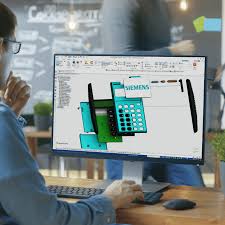
Equipping an 8- to 15-station CAD/BIM training laboratory can quickly become expensive if you buy misconfigured hardware. CAD applications require specific processing strengths that differ from ordinary gaming rigs.
Balancing Workstation Components
Focus your hardware budget on components that directly accelerate CAD/BIM performance.
- High Single-Core CPU Clock Speeds: Most parametric modeling operations (Revit, SolidWorks) rely on high single-core processor speeds.
- RAM Capacity Over Raw Speed: Install at least 32GB of RAM per workstation to prevent crashes when loading large assembly files.
- Professional vs. Gaming GPUs: Selecting validated cards (NVIDIA RTX) with tested drivers to avoid viewport display glitches.
Get comprehensive laboratory hardware setup guides through our Franchise Program.































 September 08, 2026 - BY Admin